Essential Tips for Scheduling Employees in California
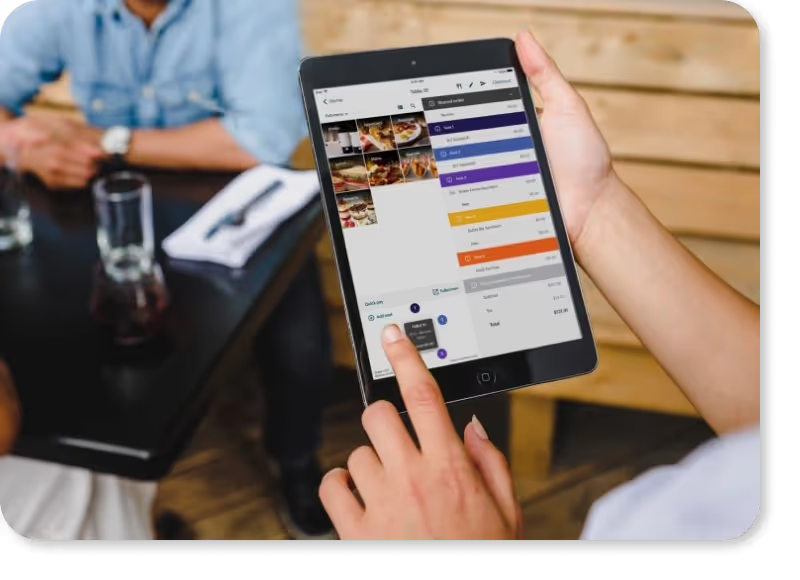
Save Time and Money With Push

12 hrs+
Time savings per week
3%
Savings on labor costs
10 min
One-click payroll processing
Trusted by 1000s of Restaurants










Manage Your Team
- Manage all employee information in a single platform
- Complete tax filings, new hire reporting, and payroll setup
- Replace manual spreadsheets, filing, and paperwork
- Track document expirations, including licenses and work permits
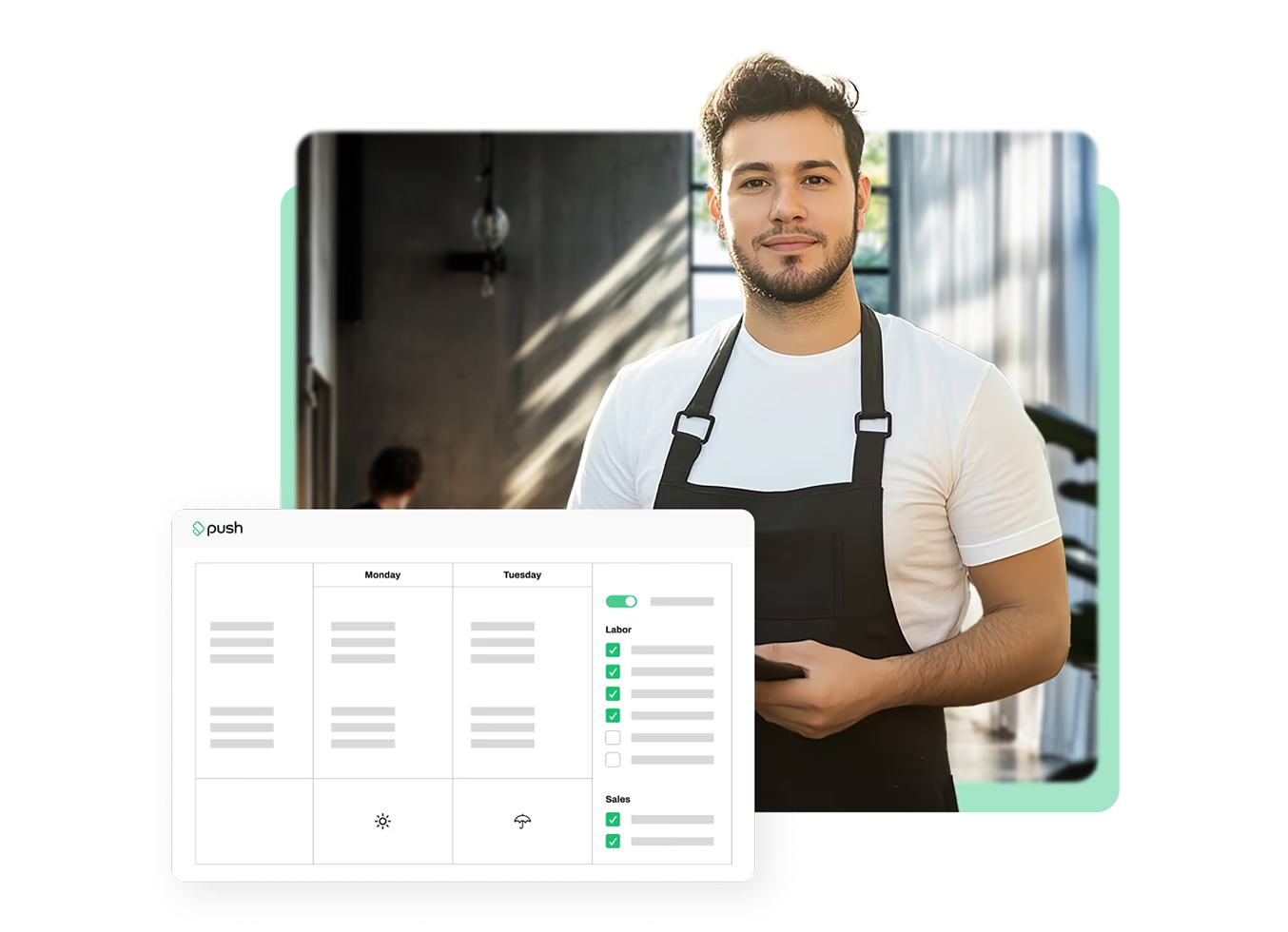
Schedule in Seconds
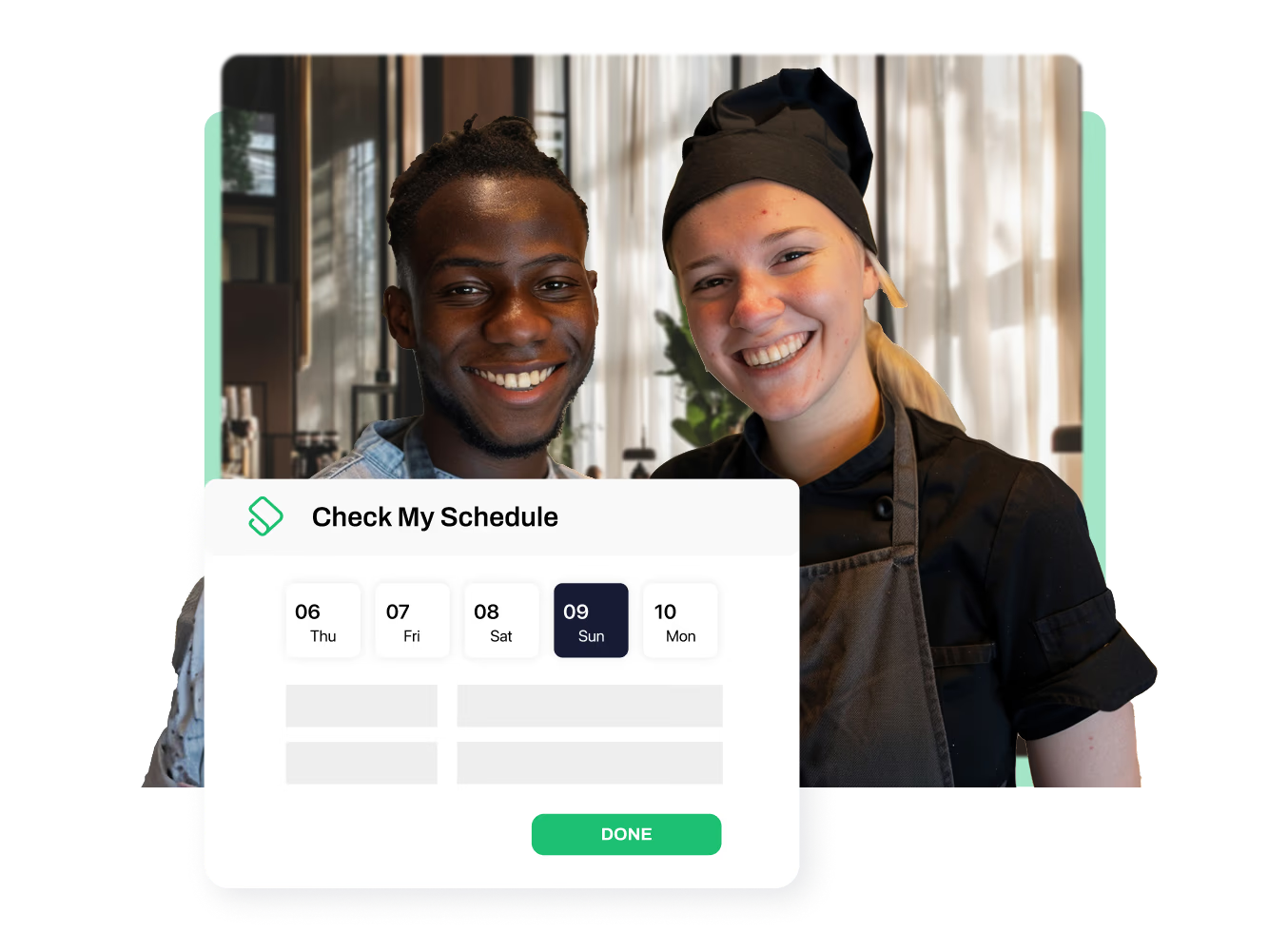
- Conveniently update schedules anywhere, anytime using the mobile app
- Auto-generate schedules with custom rules for easy planning
- Streamline hours directly into payroll for one-click processing
- Manage shift swaps, releases, and time-off requests from a single view


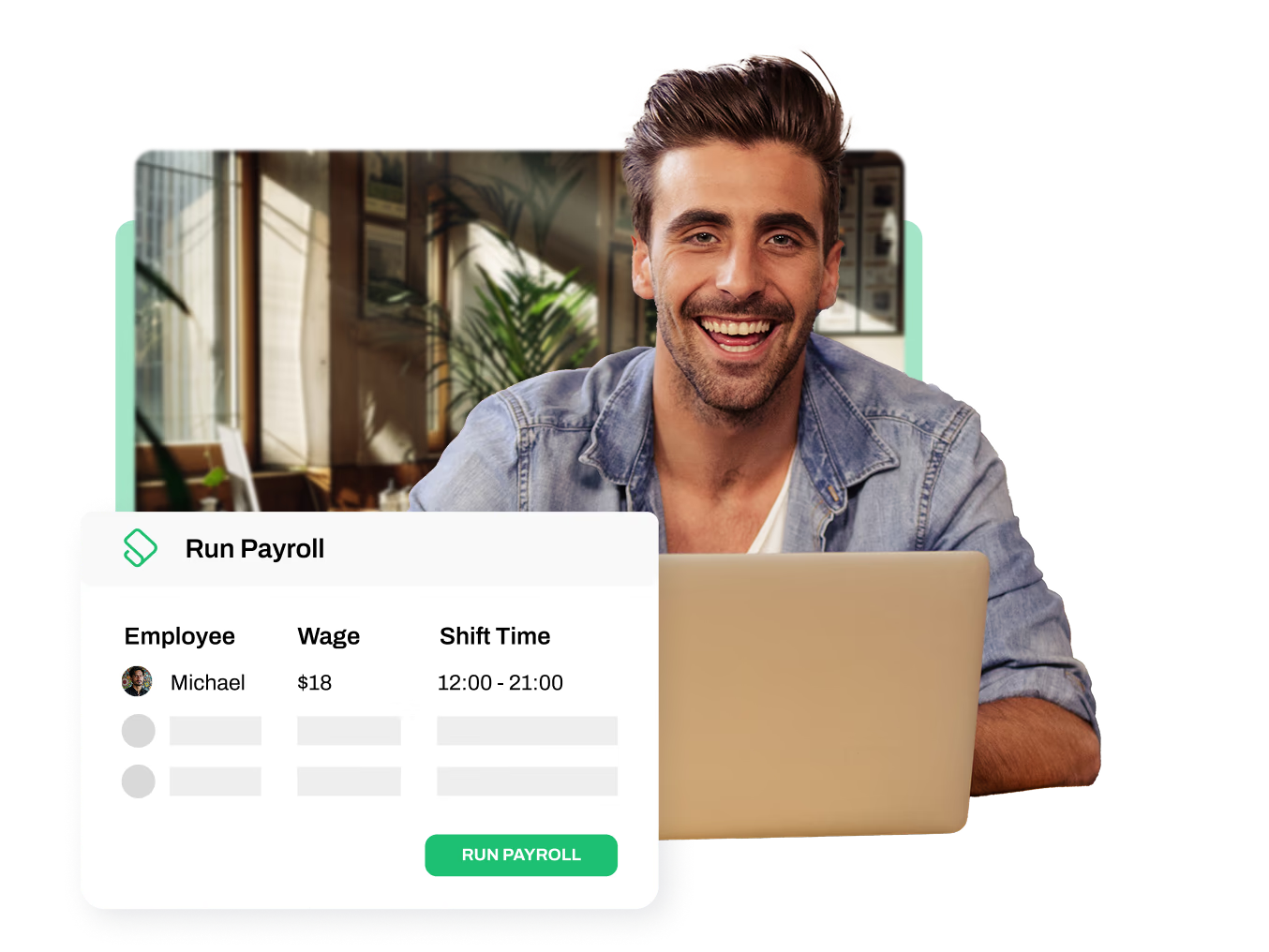
One-Click Payroll
- Process payroll in under 10 minutes
- Eliminate manual payroll calculations
- Save thousands with accurate employee payments
- Automate hourly pay, holiday pay, and tax calculations
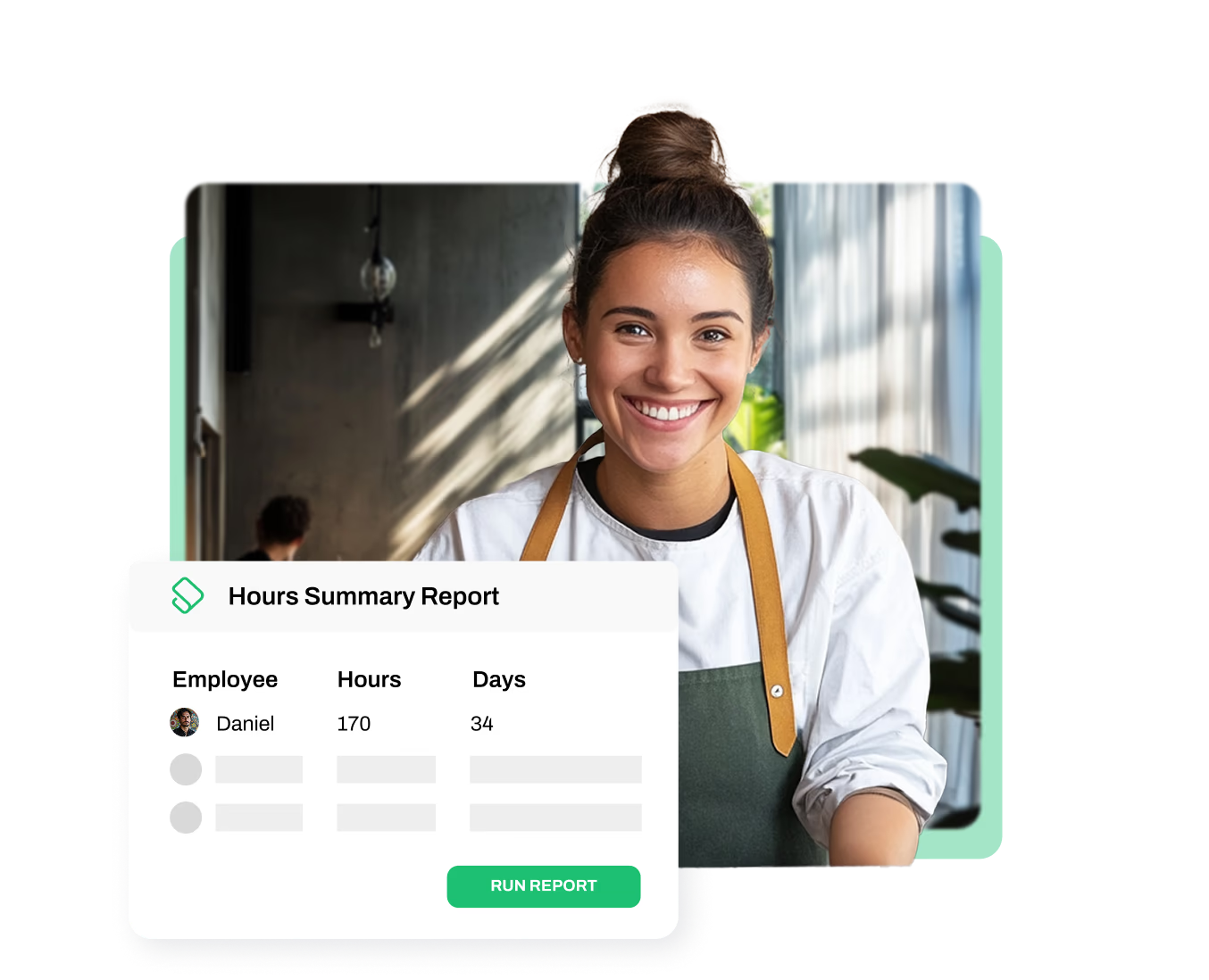
Track Hours Like Clockwork
- Send employee labor tracking data straight to payroll
- Save thousands by automating clock-in rules and tracking
- Prevent buddy punching with facial recognition and photo capture on mobile or tablet
- Flag and alert when employees work outside their scheduled shifts, including overtime

Customize Your Reports
- View dashboards and metrics instantly with the click of a button
- Get real-time, customized KPI alerts when labor, sales, or other metrics exceed set thresholds
- Access your organization’s performance data in one comprehensive dashboard
- Integrate with POS systems for up-to-date labor and sales reports





Restaurant365
- Automatically send labor data from Push Operations to Restaurant365
- Employee jobs, clocks, and salaries sync straight into Restaurant365 for accurate bookkeeping
- Save time and reduce errors from manual entry with Push as the main source of truth for labor costs within Restaurant365

Maitre'D
- Push imports live and historical sales data at a granular level from Maitre'D to enhance labor cost management and operational efficiency.
- Maitre'D data integrates into Push, empowering precise scheduling, cost analysis, and decision-making.
- Push Scheduler displays sales insights, labor costs, and labor forecasts leveraging Maitre'D's historical sales data.
- Heat maps provide visuals of sales trends by time of day, optimizing staffing and operational strategy.
- Enterprise Dashboards consolidate sales and labor data across locations, enabling accurate forecasting and comparisons.

EightSix Network
- EightSix Network helps Push clients by connecting them with a pool of qualified candidates, streamlining the hiring process and improving accessibility to top talent.
- Seamlessly post jobs to EightSix Network directly from Push, with automated nightly syncs that keep your listings up to date.
- Through its vast network, EightSix Network provides Push clients with valuable industry insights and access to key connections for business growth.
- EightSix Network helps Push Operations clients enhance their employer brand, attracting and retaining high-performing employees with tailored recruitment strategies.

Deliverect
- Streamlined Online Order Management and Workforce Scheduling: Deliverect consolidates online orders from various delivery platforms into a single system, ensuring accurate order processing. By utilizing Deliverect and Push, restaurants can efficiently manage online orders and optimize staff scheduling, leading to improved operational efficiency.
- Enhanced Data-Driven Decision Making: Deliverect provides real-time analytics on online sales and order trends, while Push Operations offers insights into labor costs and employee performance. Combining these data sources enables restaurants to make informed decisions on menu offerings, staffing levels, and promotional strategies, ultimately driving profitability.
- Deliverect supports multi-location businesses by providing a centralized system that simplifies managing multiple sites and delivery channels.

Incentivio
- Enhance Customer Experiences: Incentivio offers Push clients guest engagement tools.
- Data-Driven Decision Making: Both Push and Incentivio offer robust analytics—Push Operations focuses on labor data, and Incentivio on guest behavior. Combining these insights allows restaurants to make informed decisions on staffing, menu offerings, and marketing strategies, leading to improved profitability.
- Incentivio uses AI to automate upselling recommendations during checkout, personalizing the guest experience and boosting revenue.
Get a Taste of Push







Essential Tips for Scheduling Employees in California
Table of contents
California’s comprehensive labor laws set a high standard for fair treatment and compensation, making it one of the most desirable states to be a worker. For employers, balancing employee rights and business needs, all while staying compliant, can often feel like a time-consuming challenge.
If you’ve been trying to find a simple way to understand scheduling requirements in California, this guide provides a clear and concise breakdown of California’s staff scheduling requirements packed with information and tips to keep your employees happy, productive, and compliant.
Understanding Key California Staff Scheduling Laws
There are several California labor laws that relate both directly and indirectly to scheduling. In this section, we’ve simplified the key laws to be mindful of when scheduling your employees.
Reporting Time Pay
According to California Labor Code Section 203, reporting time pay is a regulation that compensates employees for their time and encourages proper notice and scheduling on the employer’s part. Based on this regulation, employers must pay employees who are scheduled to work but are not put to work or if they’re sent home early without proper notice.
Here are the key aspects of reporting time pay requirements that you should note:
- When do I have to pay employees reporting time pay? You must pay reporting time pay when an employee reports to work for a scheduled shift, but the shift is canceled or they’re sent home early with less than half of their scheduled work hours.
- How much reporting time pay is an employee owed? You must pay the employee for half of their scheduled workday with no less than two hours or no more than four hours at their regular rate of pay.
- If an employee works for less than two hours, do I still need to pay reporting time pay? Yes, if the employee works for less than two hours, you must pay the minimum two hours of reporting time pay.
Predictive Scheduling
Although California doesn’t have a statewide predictive scheduling law, there are several large cities that have created requirements to help hourly workers. Cities such as Berkeley, Emeryville, Los Angeles, and San Francisco all require employers to give employees their work schedule at least two weeks in advance. Beyond this requirement, most of these four cities have additional scheduling requirements that include, but are not limited to:
- Employers are required to give new employees a good-faith estimate of their schedule prior to their first shift.
- Employees have the right to request changes to their initial schedule and the employer must consider these requests.
- Employers are required to give written notice to employees if any changes have been made to their schedules after the initial posting.
- Employees have the “Right to Decline” any changes made to the schedule after the initial posting. If the employee accepts the last-minute schedule changes, they’re entitled to predictability pay.
- Employees have the “Right to Rest” and can decline any shifts beginning within a certain time frame after finishing a previous shift. If the employee accepts the shift, they’re entitled to additional compensation.
- Employees have the “Right to Request a Flexible Working Schedule” which protects them against any retaliation for asking for changes in their work schedules or work conditions.
For the most updated scheduling-related ordinances, we recommend checking the official government website for the city in which your business is located.
Meal and Rest Breaks
Breaks are an essential part of an employee’s workday, especially in the restaurant industry where they’re on their feet all day. Meal and rest breaks can be tough to keep up with, especially during a busy rush. Push’s Break Roster and break waiver forms make managing breaks as easy as pushing a button.
Meal and rest breaks are covered under California Labor Code Section 512 and the State of California Department of Industrial Relations. Here are the key aspects of meal and rest break requirements that you should note:
- What’s the difference between meal and rest breaks? Meal breaks are unpaid periods of at least 30 minutes and rest breaks are paid periods of 10 minutes.
- When do meal and rest breaks have to be provided? A meal break must be provided to employees who work longer than five hours in a day and a rest break must be provided for each four-hour shift or a major fraction thereof.
- How often do I have to provide a meal and rest break? Meal breaks need to be provided in intervals that don’t result in employees working more than five consecutive hours without one. Rest breaks should be uninterrupted and taken as close to the middle of their scheduled shift as possible.
- If an employee works more than 10 hours, do I need to provide them with a second meal break? Yes, if an employee works a shift that’s longer than 10 hours, a second meal break must be provided and it should be taken before the end of the tenth hour.
- Can meal and rest breaks be waived? Yes, meal and rest breaks can be waived with mutual consent of both the employer and the employee, but they must be made available. The only time a meal break cannot be waived is during shifts that are between 10 to 12 hours in length where the employee did not take their first meal break.
- What happens if I fail to provide an employee with a meal or rest break? A meal or rest break penalty equal to one additional hour of pay at the employee’s regular rate will have to be paid.

Best Practices for Compliant Staff Scheduling
Between balancing California labor laws and business needs, scheduling Can feel overwhelming. Next, let’s explore tips for creating efficient and compliant schedules that keep your employees happy.
Create a Master Schedule
A master schedule should account for employee availability, business needs across different days and times, and legally mandated breaks. Push’s auto-scheduler and Smart Scheduling take the headache out of scheduling. It takes into account sales vs. labor data from the POS integration, the weather, and even holidays to help you create an optimal schedule. On top of that, enjoy easy sick time and overtime tracking, along with overtime alerts.
Utilize a Scheduling Software
Scheduling software can be a game-changer for restaurant owners and managers. Push streamlines the entire scheduling process by automating tasks like shift scheduling, employee availability tracking, and break reminders. Not only does it save you time but it can also help reduce labor costs by scheduling efficiently and providing automatic overtime alerts. Beyond the great benefits for managers, Push’s chat feature helps staff receive schedule updates in real time and allow them to make shift-change requests at the push of a button.
Implement a Shift Swapping Policy
Creating a clear and well-defined shift swapping policy provides your employees with flexibility. This policy should allow staff members to trade shifts amongst themselves when needed, as long as they find suitable replacements and stay compliant. With Push, employees can swap shifts all in one place, directly on the app – no more back and forth between colleagues and managers.
Communicate Clearly and Transparently
Transparency and open communication between you and your staff are crucial for scheduling. Providing your team with their schedules well in advance gives them the opportunity to plan their personal lives – not to mention in some cities, it’s required. Communication is key when managing a team and Push understands that. Our chat feature provides an open line of communication 24/7 and even allows you to send notices to your employees to read before clocking in.
Keep Up With Recordkeeping Requirements
Maintaining accurate timekeeping records is essential for complying with California’s recordkeeping requirements. Physically storing payroll and time tracking records not only takes up time but it also takes up space. Using Push can help you streamline your payroll process by storing all of the data digitally and accessing them with just one click – no more looking through filing cabinets to search for employee records.
What to Avoid When Making Staff Schedules
When making staff schedules, try to look beyond just cost and service needs. Here are some things to avoid when making a staff schedule:
- Try not to schedule shifts without an overlap to cover breaks and required prep work.
- Avoid simply copying the previous week's schedule – incorporate upcoming events, holidays, and even weather patterns. These considerations are automatically put in place with Push’s Smart Scheduling.
- Steer clear of assigning "clopens" (closing one night followed by an opening shift the next).
- Avoid relying on full-time or part-time staff for on-call shifts without discussing it with them first – consider hiring dedicated on-call employees instead.
Staff scheduling in California may seem complex, but with the right strategies and tools, you’ll be able to schedule with confidence. If you’re looking for an easy way to stay compliant while scheduling, use Push. Push is an all-in-one people management system designed for restaurants that streamlines everything from scheduling and time tracking to payroll and compliance. Book a demo with us today to experience the power of an integrated system.

Disclaimer: This document is provided by Push Technologies Inc. ("Push Operations") for information purposes only. This is not an official or legal document and should not be taken as legal advice. Push Operations does not guarantee or warrant the accuracy or completeness of the information provided. For the most accurate and up-to-date information, please check with the proper governing authority.